Photo to Pixel Art
Convert your photo into a grid of colored blocks. Choose the grid size and palette count, then compare the watermarked result with your original image. Save a clean PNG using 1 credit, or save it with a watermark. Your photo stays on your device and is not uploaded.

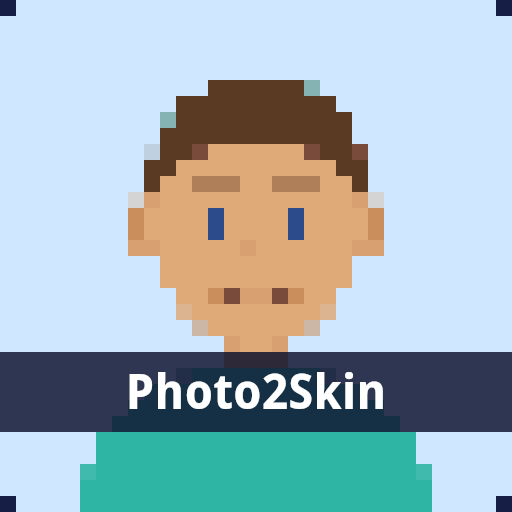
Choose a photo to begin. All image processing happens in your browser.
Your pixel art
1 credit · packs from $1.00
On-page results have a watermark. Saving without a watermark uses 1 credit.
How to turn a photo into pixel art
- Choose a clear photo from your device. A simple background and visible subject help the shapes stand out.
- Set the grid size. A smaller grid creates larger blocks and simpler shapes; a larger grid retains more detail.
- Choose the palette count. Fewer colors simplify the picture; more colors preserve more shading.
The result updates when you choose a photo or change a setting. The converter keeps the image proportions and combines nearby shades into a limited palette. Transparent areas appear on a white background.
Photos and privacy
The converter reads your selected image in browser memory. It does not send the photo to a server or save it to an account. Clear the photo when you are finished. Site analytics record conversion events without the image, its filename or its contents.
Using a photo as a Minecraft reference
A pixel art picture keeps the arrangement of the original photo. A Minecraft skin uses a separate layout for each body part. For that project, use the photo to Minecraft skin tool or read how to make a Minecraft skin of yourself.